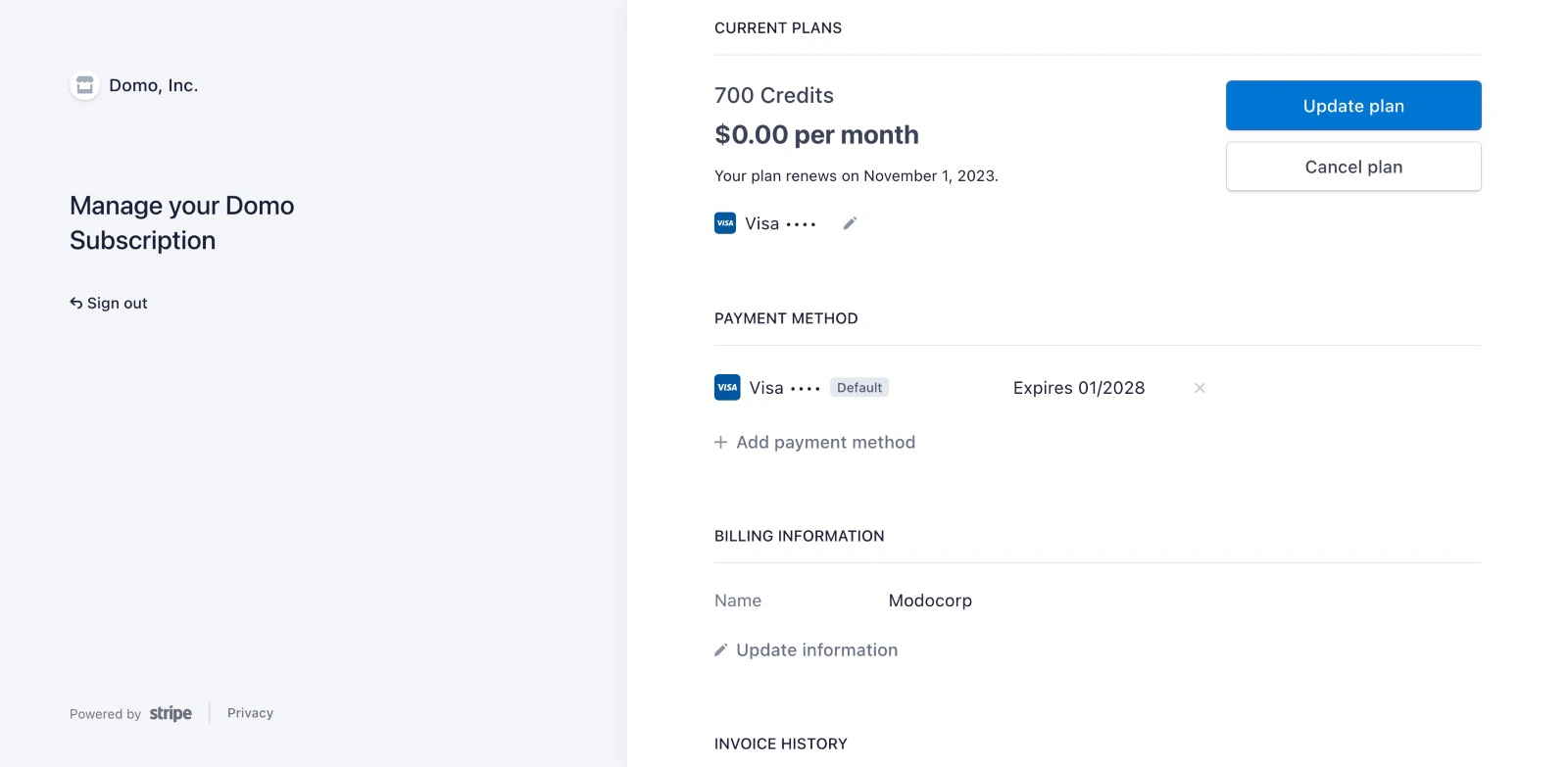
If you need to update your payment information for Domo Free, such as in the event of a failed payment, follow this link to Stripe to manage your billing details. Log in with your Stripe credentials, rather than with Domo credentials. Alternatively, you can access Stripe from within Domo by following the steps below.Documentation Index
Fetch the complete documentation index at: https://domoinc-openapi-sync-documents.mintlify.app/llms.txt
Use this file to discover all available pages before exploring further.
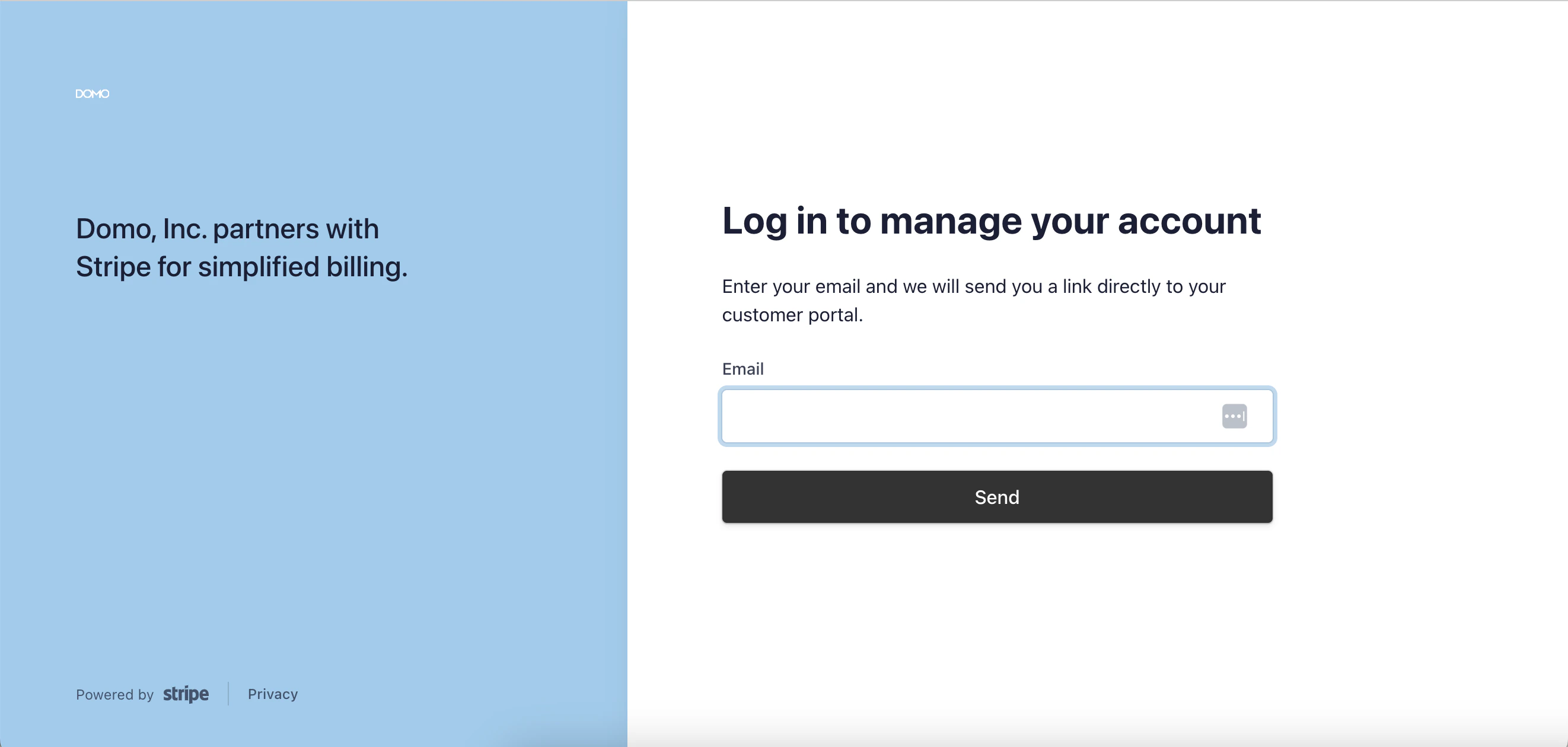
Note: If you are experiencing failed payments and updating your payment method is not resolving the issue, please contact your financial institution.
- Log into the Domo instance for which you are updating payment information.
-
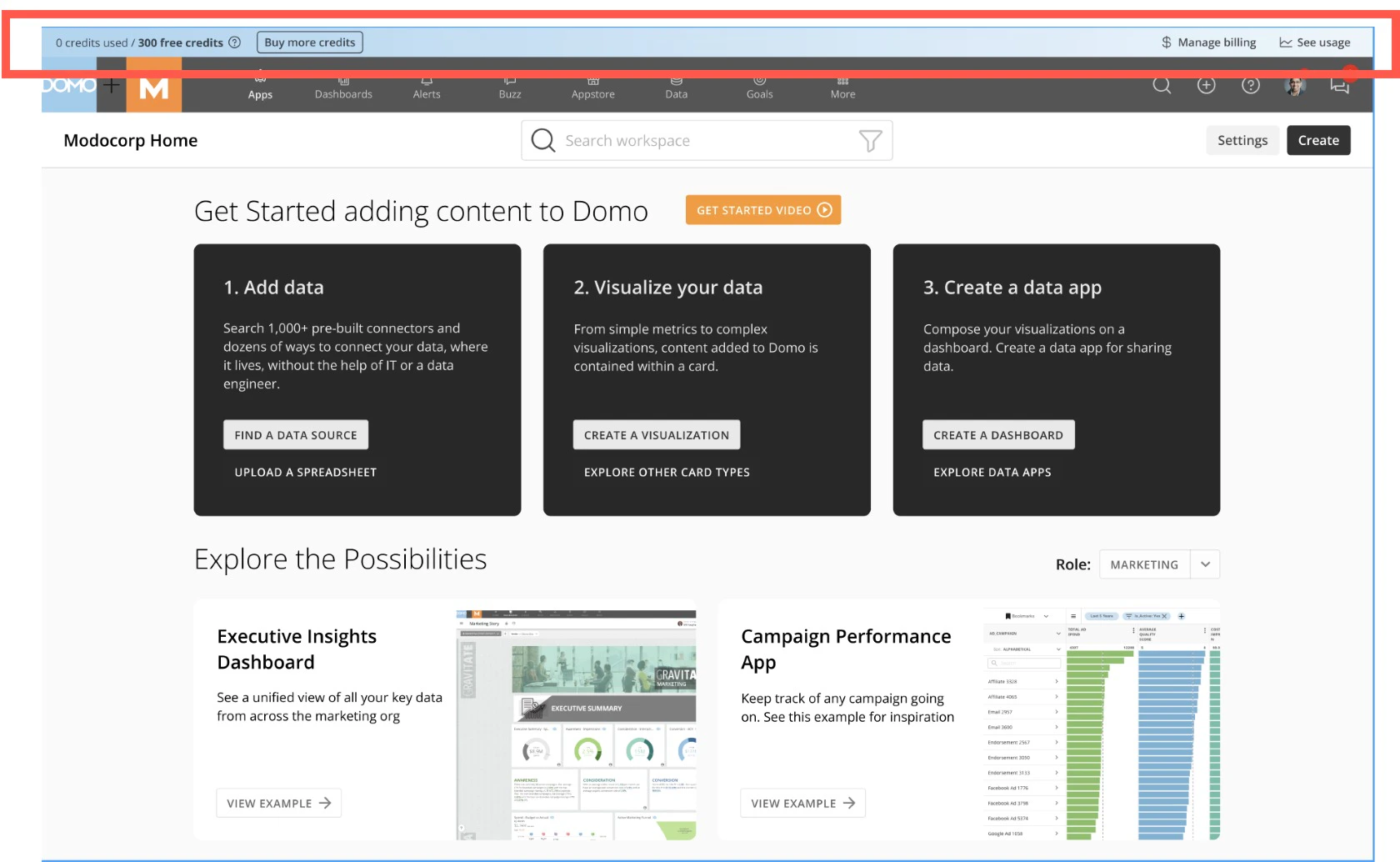
In the usage bar at the top of the screen, select Manage billing to access your billing details in Stripe.
-
In Stripe, make changes to your payment method, billing information, or other settings as needed.